

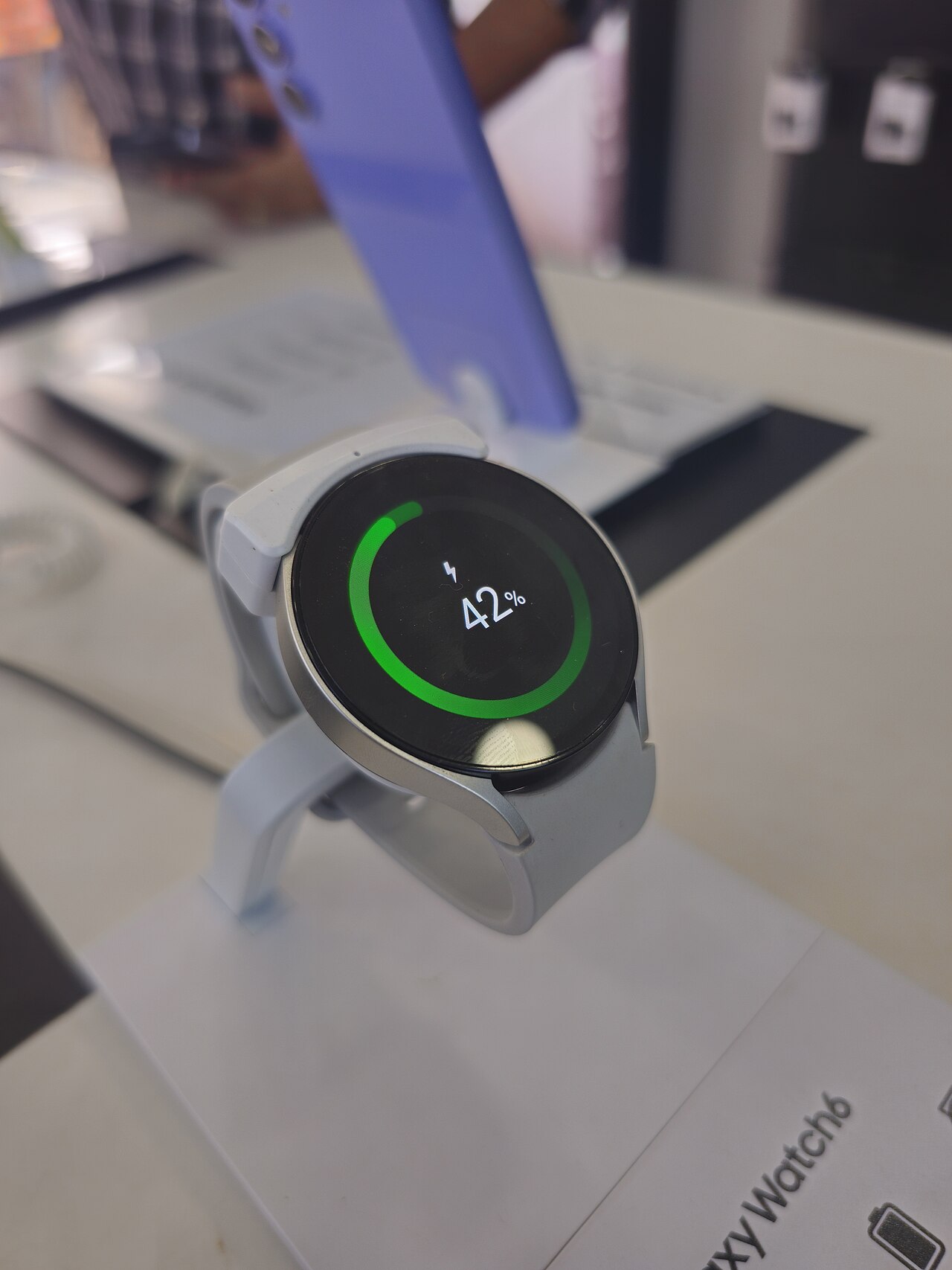
One UI 9 Beta is now available for Galaxy Watch 6 users looking to enhance their smartwatch experience. This article will guide you through the sign-up and installation process.
What is One UI 9 Beta?
The One UI 9 Beta is the latest version of Samsung’s user interface designed specifically for its Galaxy Watch series, including the Galaxy Watch 6 and Classic models. This beta version brings a host of new features and improvements aimed at enhancing the user experience and functionality of the smartwatch.
With the One UI 9 Beta, users can expect a more streamlined interface that offers greater customization options, allowing them to personalize their watch faces and app layouts. Additionally, the update introduces improved health tracking features, which include more detailed metrics and insights into daily activities.
Another exciting aspect of the One UI 9 Beta is the enhanced connectivity options that allow for easier pairing with other devices and improved notifications. Users will also find that the overall performance of their Galaxy Watch 6 will be more responsive, thanks to optimizations made in this new version.
To participate in the One UI 9 Beta, users must sign up through Samsung’s official channels, where they can also provide feedback on their experience. This feedback is crucial for Samsung as they work to finalize the features and stability of the upcoming official release.
How to Sign Up for One UI 9 Beta
Signing up for the One UI 9 Beta on your Galaxy Watch 6 is a straightforward process. Follow these easy steps to ensure you are part of the beta testing community.
- Step 1: Open the Samsung Members app on your Galaxy Watch 6. If you don’t have the app installed, you can download it from the Galaxy Store.
- Step 2: Sign in with your Samsung account. Make sure it’s the same account linked to your Galaxy Watch 6.
- Step 3: Navigate to the Notices section within the app. Here, you’ll find announcements regarding beta programs.
- Step 4: Look for the One UI 9 Beta announcement and tap on it to access the registration page.
- Step 5: Fill out the required information and confirm your participation. Ensure you read the terms and conditions carefully.
After registering, you will receive a notification when the beta version is available for download. It’s essential to keep your device connected to Wi-Fi and have sufficient battery life during the installation process.
Installation Steps for Galaxy Watch 6
Installing the One UI 9 Beta on your Galaxy Watch 6 is a straightforward process. Follow these easy steps to get started:
- Prepare Your Device: Ensure your Galaxy Watch 6 is charged and connected to Wi-Fi. This ensures a smooth download process.
- Open the Galaxy Wearable App: On your smartphone, launch the Galaxy Wearable app. This app is essential for managing the watch’s settings and updates.
- Check for Software Updates: In the app, navigate to the ‘Watch settings’ section, then tap on ‘Software update.’ Here, you’ll find options to download and install the One UI 9 Beta.
- Download the Beta: If the One UI 9 Beta is available, you will see an option to download it. Tap ‘Download’ and wait for the process to complete.
- Install the Update: Once the download is finished, follow the on-screen instructions to install the update. This may take a few minutes, so be patient.
- Restart Your Watch: After installation, your Galaxy Watch 6 will automatically restart. Once it powers back on, you’ll be able to explore the new features of the One UI 9 Beta.
Enjoy the enhanced experience that comes with the latest updates!
Features of One UI 9
The One UI 9 Beta introduces a variety of exciting features that enhance user experience on the Galaxy Watch 6. Users can expect improvements that not only streamline functionality but also add new capabilities to their smartwatches.
Some notable features of One UI 9 include:
- Enhanced User Interface: A more intuitive layout and design that allows for easier navigation between apps and settings.
- Customizable Watch Faces: Increased options for personalizing watch faces with new designs and widgets, making it easier for users to express their style.
- Improved Health Tracking: Advanced health metrics and insights, providing users with more detailed information about their fitness and wellness.
- Smart Notifications: More refined notification management, allowing users to quickly access important messages without scrolling through irrelevant alerts.
- New Workout Modes: Additional workout tracking features that cater to various activities, ensuring users have accurate data for their fitness routines.
These enhancements make the One UI 9 Beta a significant upgrade for Galaxy Watch 6 users, promising a more engaging and efficient smartwatch experience.
User Feedback on One UI 9
User feedback on the One UI 9 Beta has been largely positive, with many users praising the new features and enhancements tailored for the Galaxy Watch 6. Early adopters have appreciated the improved interface, which offers a more intuitive user experience compared to previous versions.
Many users have taken to forums and social media to share their experiences. Key highlights from the feedback include:
- Enhanced Performance: Users have noted a noticeable increase in responsiveness and speed when navigating through apps and settings.
- Customization Options: The ability to personalize watch faces and widgets has been a significant draw, allowing users to express their individuality.
- Health and Fitness Features: Improved health tracking capabilities, such as more accurate heart rate monitoring and new workout modes, have been particularly well received.
- Battery Life: Several users reported that the battery performance has seen enhancements, lasting longer even with extensive use of new features.
However, some users have encountered minor bugs and glitches during initial testing. Samsung is actively collecting this feedback as they work towards refining the One UI 9 Beta, ensuring a smoother experience for all users upon its official release.
Troubleshooting Common Issues
While installing the One UI 9 Beta on your Galaxy Watch 6, you may encounter some common issues. Here are some troubleshooting tips to help you resolve them:
- Connectivity Problems: Ensure that your Galaxy Watch 6 is properly connected to your smartphone. Check Bluetooth settings and try reconnecting if necessary.
- Installation Errors: If the installation fails, restart both your watch and smartphone. Try the installation process again after ensuring that both devices have a stable internet connection.
- Battery Drain: Some users have reported increased battery consumption after installing the beta. If this happens, consider optimizing battery settings or temporarily disabling unused features.
- App Compatibility Issues: Certain apps may not function correctly with the One UI 9 Beta. Check for app updates in the Galaxy Store or report the issue to the app developers.
- User Interface Glitches: If you notice any UI glitches, restart your watch. If the problem persists, consider reverting to the stable version until the official release is available.
These tips should help you navigate any difficulties while exploring the new features of the One UI 9 Beta.
via Wikimedia Commons